Markdown Features Showcase
Introduction
This post demonstrates every Markdown feature supported on this blog. Use it as a reference for writing your own posts, or just to see how everything renders.
Text Formatting
You can write bold text, italic text, and bold italic together. There's also strikethrough for deleted content. Inline code looks like this.
Here is a regular link and an auto-linked URL: https://example.com.
Headings
This post uses ## and ### headings (h2 and h3). They automatically appear in the table of contents on the right.
This is an H3 Subheading
Subheadings help break up longer sections into logical parts.
Lists
Unordered Lists
- First item
- Second item with bold
- Nested lists work too:
- Sub-item one
- Sub-item two
- Even deeper nesting
- Back to top level
Ordered Lists
- First step
- Second step
- Third step
- Sub-step A
- Sub-step B
- Final step
Task Lists
- Implement Markdown rendering
- Add syntax highlighting
- Write more blog posts
- World domination
Blockquotes
"Any fool can write code that a computer can understand. Good programmers write code that humans can understand." — Martin Fowler
Nested blockquotes also work:
This is the outer quote.
And this is a nested quote inside it.
Back to the outer quote.
Code Blocks
Inline code: const x = 42;
Fenced code block with syntax highlighting:
Typescriptinterface BlogPost {
  slug: string;
  title: string;
  date: string;
  tags: string[];
}

function getLatestPosts(posts: BlogPost[], count: number): BlogPost[] {
  return posts
    .sort((a, b) => (a.date > b.date ? -1 : 1))
    .slice(0, count);
}
A Python example:
Pythondef fibonacci(n: int) -> list[int]:
    """Generate the first n Fibonacci numbers."""
    fib = [0, 1]
    for i in range(2, n):
        fib.append(fib[i - 1] + fib[i - 2])
    return fib[:n]

print(fibonacci(10))
# [0, 1, 1, 2, 3, 5, 8, 13, 21, 34]
A shell command:
Bashgit log --oneline --graph --all | head -20
Tables
| Feature | Supported | Notes |
|---|---|---|
| Bold | ✅ | **text** |
| Italic | ✅ | *text* |
| Strikethrough | ✅ | ~~text~~ |
| Tables | ✅ | GFM extension |
| Task lists | ✅ | GFM extension |
| Footnotes | ✅ | GFM extension |
Alignment in Tables
| Left-aligned | Center-aligned | Right-aligned |
|---|---|---|
| Content | Content | Content |
| More | More | More |
| Data | Data | Data |
Footnotes
Footnotes use the [^label] syntax1. You can also write longer footnotes2.
Horizontal Rules
Use ---, ***, or ___ to create a horizontal rule:
Content continues below the rule.
Images
Images use standard Markdown syntax. The alt text becomes the caption, and each image gets an automatic figure number you can reference with [Fig. 1](#fig-1).
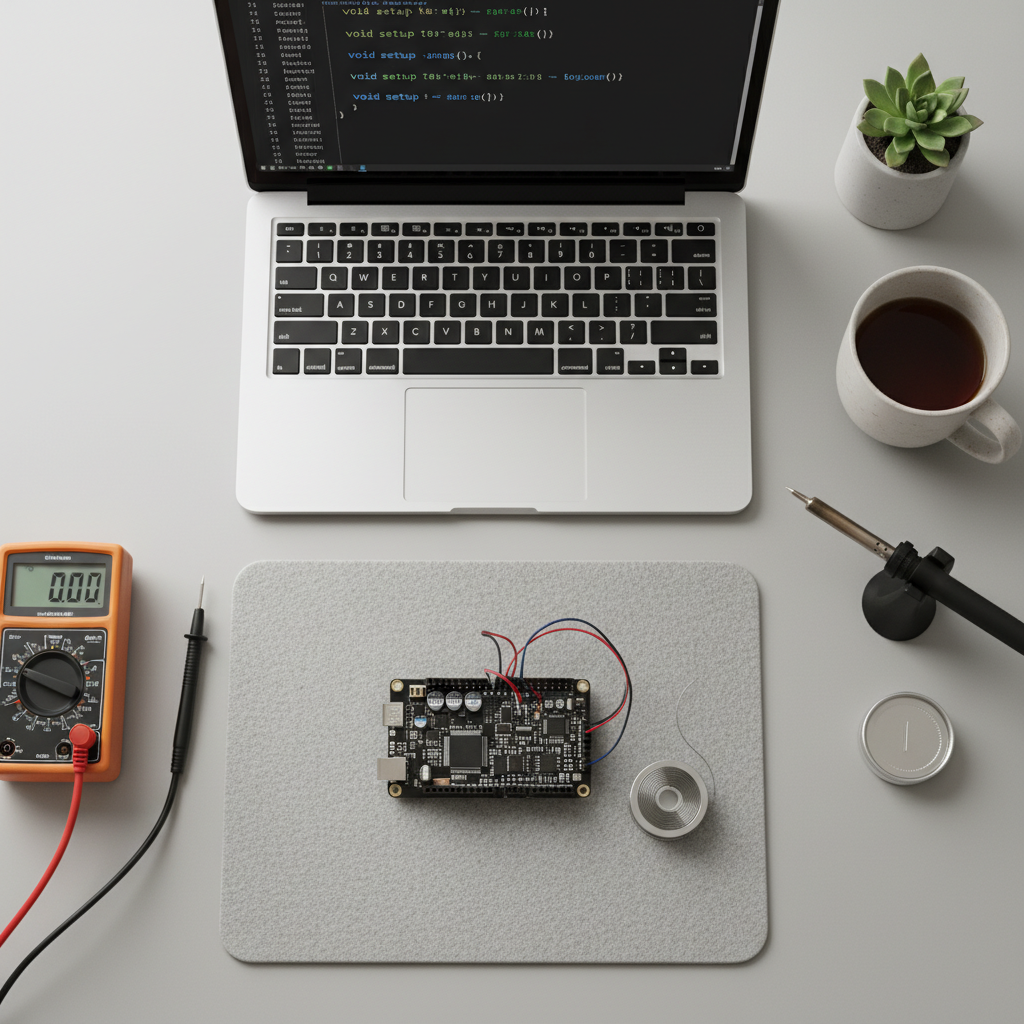
As shown in Fig. 1, images are automatically numbered and captioned.
Emphasis Combinations
Here are some formatting combos:
- Bold with
inline codeinside - Italic with a link inside
Strikethrough with bold inside- A paragraph with bold, italic,
code, and a link all mixed together
Long Code Block
To test scrolling behavior with longer blocks:
C#include <stdio.h>
#include <stdlib.h>

typedef struct Node {
    int data;
    struct Node* next;
} Node;

Node* create_node(int data) {
    Node* node = malloc(sizeof(Node));
    node->data = data;
    node->next = NULL;
    return node;
}

void insert_front(Node** head, int data) {
    Node* new_node = create_node(data);
    new_node->next = *head;
    *head = new_node;
}

void print_list(Node* head) {
    Node* current = head;
    while (current != NULL) {
        printf("%d -> ", current->data);
        current = current->next;
    }
    printf("NULL\n");
}

int main(void) {
    Node* list = NULL;
    for (int i = 5; i >= 1; i--) {
        insert_front(&list, i);
    }
    print_list(list); // 1 -> 2 -> 3 -> 4 -> 5 -> NULL
    return 0;
}
Line Breaks & Paragraphs
This is the first paragraph. Markdown requires a blank line between paragraphs to separate them.
This is the second paragraph. Without a blank line, text would continue on the same paragraph.
Summary
That covers all the major Markdown features: text formatting, headings, lists (unordered, ordered, and task lists), blockquotes, code blocks, tables, horizontal rules, images, and various combinations. Everything here is rendered with remark and remark-gfm.